
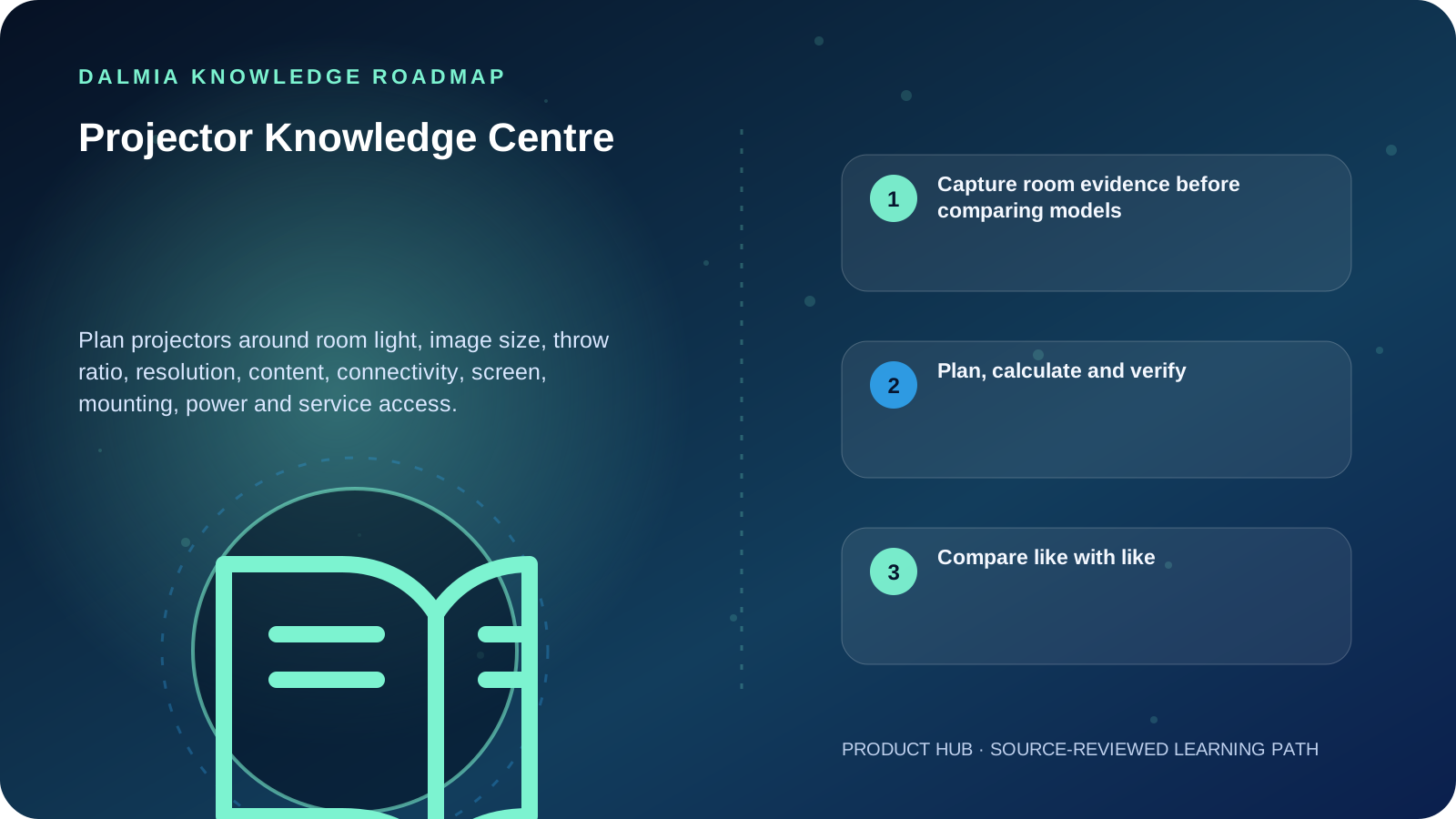
Choose a projector from the room outward. Measure available lens-to-screen distance and required image width, record ambient light and content, then verify throw ratio, measured brightness standard, native resolution, inputs, mounting geometry, screen, power and service access. A large lumen number or 4K label alone cannot prove that a projector will fit or remain readable in the real room.
Capture room evidence before comparing models
| Measure | Record | Why it changes the choice |
|---|---|---|
| Image area | Usable width, height and aspect ratio | Determines target image and screen fit |
| Throw space | Lens position to image surface | Must fall inside the exact model's throw range |
| Ambient light | Windows, lights and whether they can be controlled | Light and larger image area reduce perceived contrast |
| Content | Text, spreadsheets, teaching, film, photo or games | Changes resolution, color, latency and legibility priorities |
| Installation | Ceiling/wall structure, cable route, ventilation and access | Affects safety, service and alignment |
| Sources | Laptop, phone, player, network and audio | Ports, adapters, copy protection and control must match |
Plan, calculate and verify
Projector buying guide
Turn room measurements and content into a documented specification checklist.
ExploreThrow-ratio calculator
Calculate image width or lens-to-screen distance using the visible formula.
ExploreLaptop buying guide
Check display output, ports and application requirements on the source device.
ExplorePower Backup Centre
Separate load planning, protection and runtime questions.
ExploreProjector product guidance
Use the commercial route after documenting the room requirement.
ExploreCompare like with like
ISO/IEC 21118 specifies information for front-projection data-projector specification sheets. When comparing brightness or another claim, identify the stated measurement method and test context rather than treating every number with a similar label as equivalent.
Ambient light, image size and screen/room reflections affect the visible result. Use a model-specific throw chart or calculator for final placement; the general formula is a planning aid and does not include zoom range, lens shift, offset, keystone or mounting tolerance.
Sources and further reading
Technical statements were reviewed against these references. External pages may change after our review date.
- ISO/IEC 21118:2020 — Information for Data Projector Specification Sheets — International Organization for Standardization
- How to Choose the Right Projector Brightness and Lumens for Your Room — BenQ India