
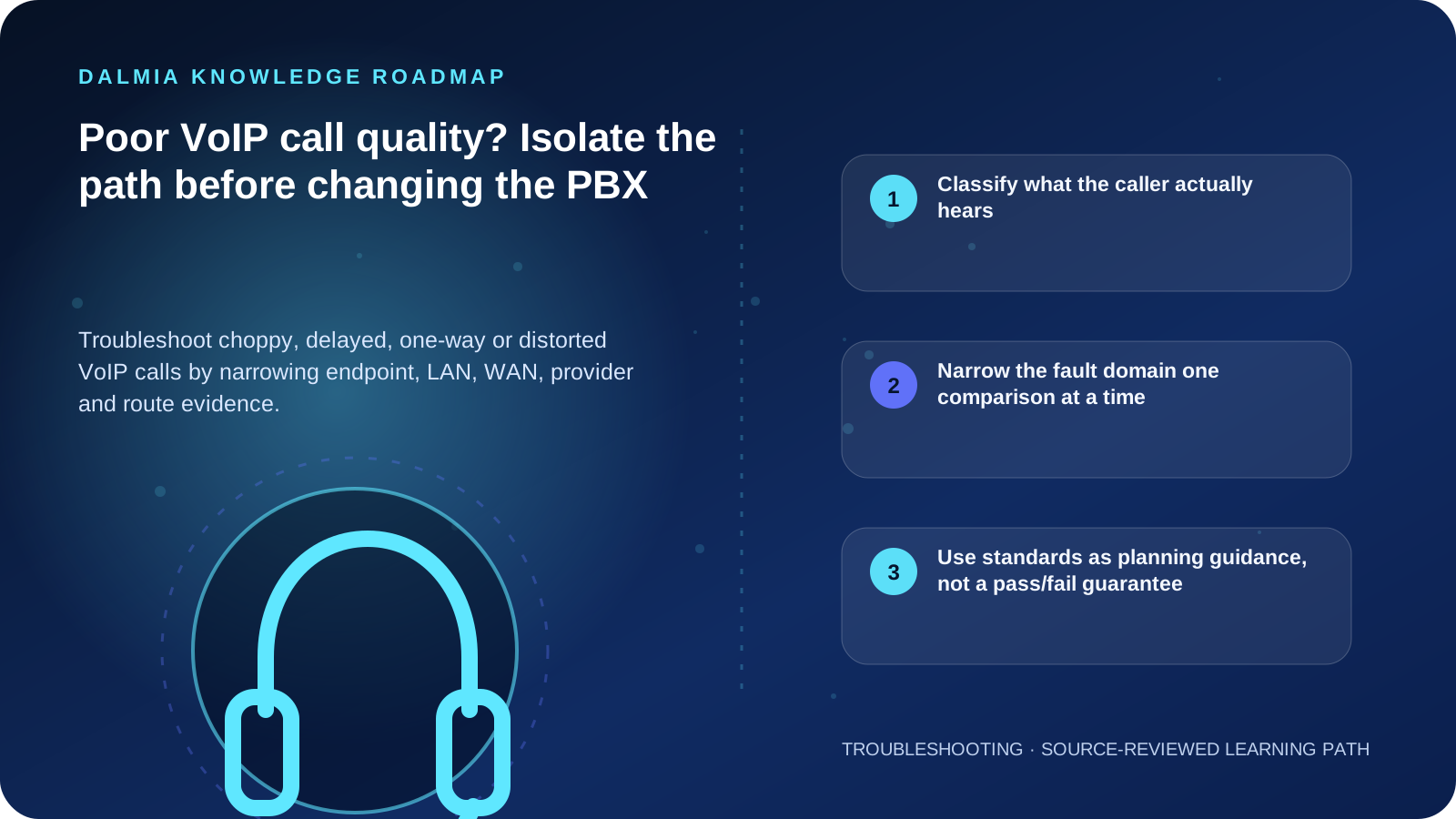
Classify the symptom—choppy speech, one-way audio, echo, delay, drop or registration failure—then compare a simple internal call with the affected external route. Record whether the issue follows one handset, site, network segment, gateway, provider or time window. Jitter is variation in packet delay; packet loss removes or delays usable voice packets; latency changes conversational timing. Each needs separate evidence, and a speed-test headline alone does not diagnose call quality.
Classify what the caller actually hears
| Symptom | Evidence to compare | Possible layer |
|---|---|---|
| Choppy or missing syllables | Jitter, late/lost packets, congestion and call direction | LAN, WAN, provider or queuing |
| Long conversational delay | One-way or round-trip timing and route | Distance, processing, network or provider path |
| One-way audio | Which party hears, internal vs external call and address translation | Routing, firewall, NAT or media path |
| Echo or acoustic feedback | Handset, headset, speakerphone, gateway and volume | Endpoint acoustics or telephony gateway |
| One handset only | Swap handset, cable and switch port without changing credentials | Endpoint, cable, port or local configuration |
| All calls at one time of day | WAN use, packet loss, jitter and link saturation | Shared network capacity or provider path |
Narrow the fault domain one comparison at a time
- Record start time, numbers or extensions involved, call direction, symptom, duration and whether it affects every user.
- Compare handset, headset and speakerphone, then compare one known-good endpoint without exposing account credentials.
- Place a simple internal endpoint-to-endpoint call, then compare the affected external or inter-site route.
- Identify the switches, router, WAN, gateway, SIP service and media path involved; signaling success does not prove the audio path is healthy.
- Measure packet loss, latency and jitter during an affected call where the platform provides authorized statistics. Preserve screenshots or exports with timestamps.
- Check for concurrent backups, uploads or other saturation and verify supported QoS design with the network owner. Do not apply copied router commands blindly.
- Escalate to the responsible PBX, network or service provider with a reproducible call example and path evidence.
Use standards as planning guidance, not a pass/fail guarantee
Cisco defines jitter as variation in packet latency and explains that excessive variation can exceed a playout buffer and become audible dropouts. ITU-T G.114 provides one-way transmission-time guidance for network planning, but a single delay number does not account for echo, codec behavior, packet loss, endpoint acoustics or user expectations.
Security controls and call quality interact. NIST notes that firewalls and encryption can affect setup, latency or jitter, but the remedy is a designed, monitored voice path—not disabling security or exposing PBX administration.
Sources and further reading
Technical statements were reviewed against these references. External pages may change after our review date.
- Understanding Jitter in Packet Voice Networks — Cisco
- ITU-T G.114: One-way transmission time — International Telecommunication Union
- NIST SP 800-58: Security Considerations for Voice Over IP Systems — National Institute of Standards and Technology