
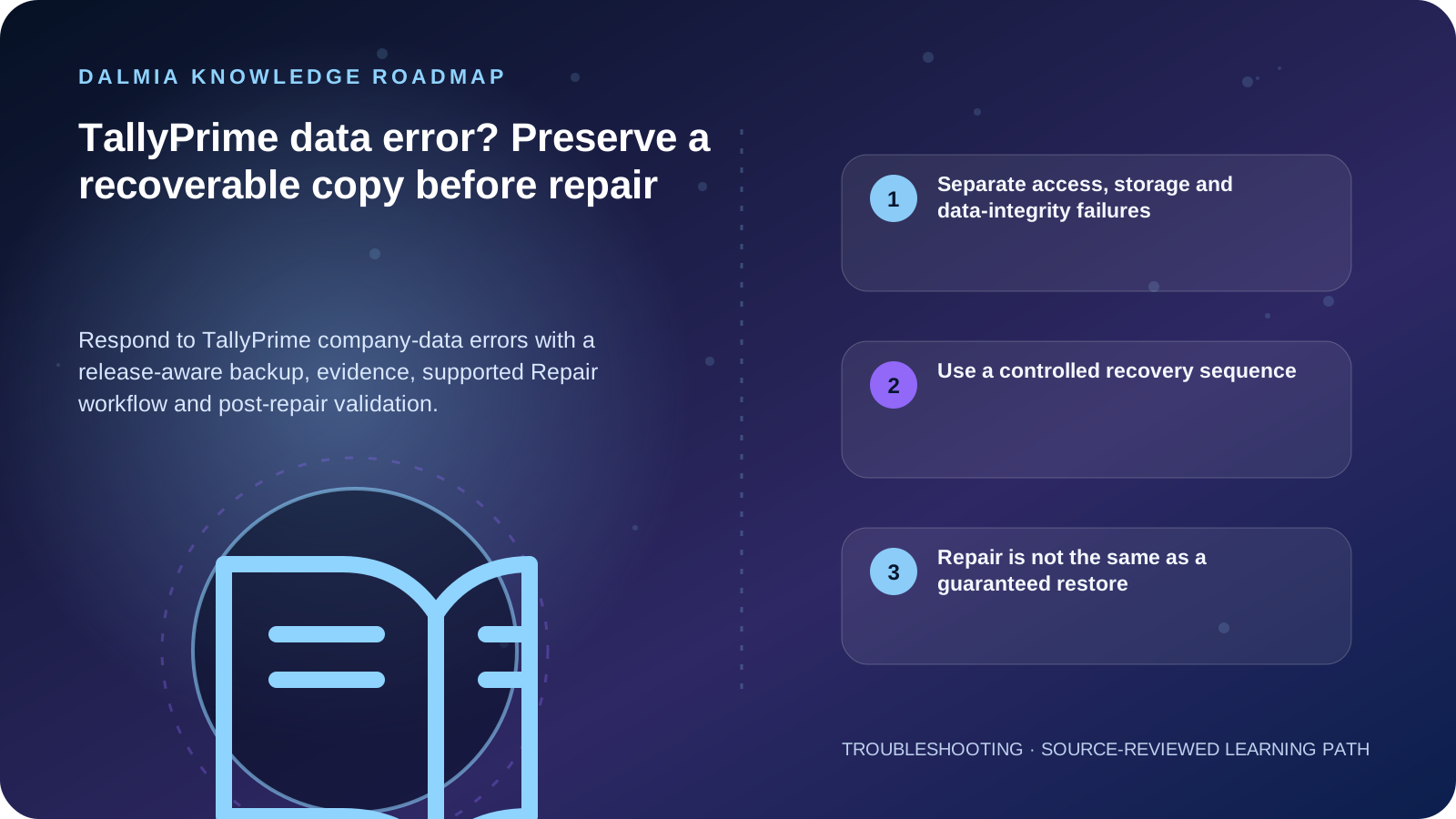
Stop repeated writes, record the exact TallyPrime release, company, data path and error, then preserve a separate copy or supported backup when the condition allows it. Use the Repair workflow documented for the installed release and validate balances, reports, users and recent vouchers on the repaired copy. Repair can recover usable records but cannot guarantee recovery of every damaged item, and a repair may affect edit-log information depending on release and condition.
Separate access, storage and data-integrity failures
| Observation | Investigate first | Preserve |
|---|---|---|
| Company is not listed | Selected data path, folder availability and user context | Current release, data path and a directory listing |
| Company is listed but will not open | Exact error, permissions, storage health and release compatibility | Error text, last-known-good time and recent changes |
| Repair Required or data-file error | Supported Repair workflow for the installed release | Separate copy or supported backup and available disk space |
| One report or voucher is inconsistent | Data verification, affected period and transaction evidence | Before-state reports and a reproducible example |
| Problem began after migration or update | Source and target release, migration result and backup | Original pre-migration data untouched |
Use a controlled recovery sequence
- Pause data entry for the affected company and identify who is authorized to handle its books and credentials.
- Record the exact release, company number or name, active data path, error text, free space and the change or interruption that preceded the fault.
- Preserve the original data folder separately and use TallyPrime's supported backup option when it is available; do not overwrite the only copy.
- Read the current TallyHelp Repair guidance for that release, including its backup, migration and Edit Log notes.
- Run the supported Repair workflow on the correct company and keep the original copy unchanged. Do not improvise file deletion or rename instructions from an unrelated version.
- Open the repaired company and validate company identity, users, recent vouchers, ledgers, balances and required reports against known records.
- Create and test a new backup after validation, record the result and escalate any missing records or repeated error with the preserved evidence.
Repair is not the same as a guaranteed restore
TallyHelp states that data damaged beyond recovery is not repaired. Its current guidance also documents release-specific behavior around migration, partial repair and Edit Log information. That is why the original copy, release context and post-repair reconciliation matter.
Do not share TallyVault passwords, administrator credentials, product keys, tax identifiers or company-data archives through a public form. Use an owner-authorized protected support channel when files or credentials are required.
Sources and further reading
Technical statements were reviewed against these references. External pages may change after our review date.
- Repair Company Data in TallyPrime — TallyHelp
- Data Management — Errors and Resolutions — TallyHelp
- Backup and Restore Company Data in TallyPrime — TallyHelp