
A backup is useful only when it is recent, protected, monitored and restorable. Keep more than one recovery path, separate at least one copy from the working computer, review failed schedules and rehearse restoration to an empty protected location. The exact TallyPrime menus and options depend on the installed release.
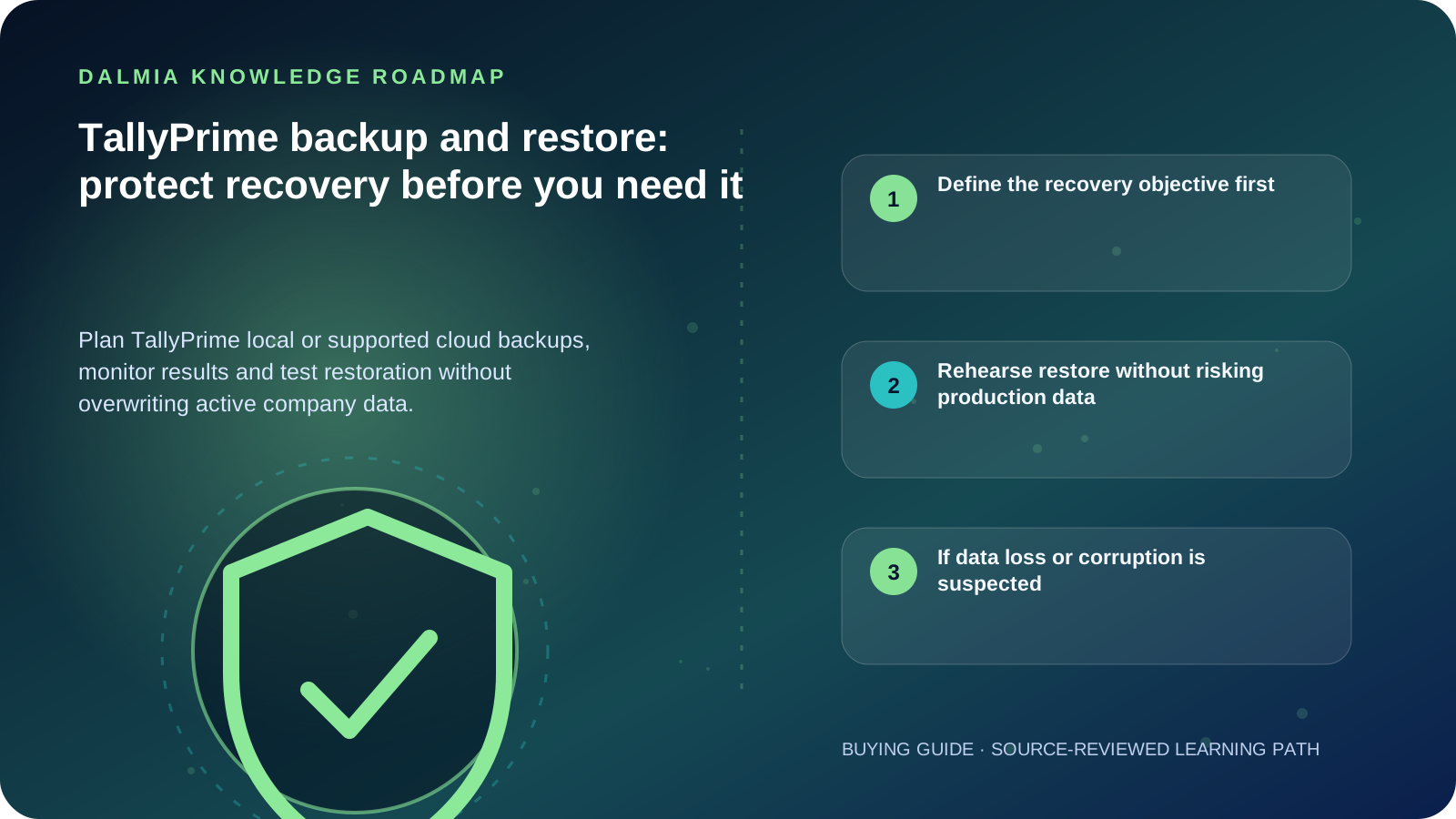
Define the recovery objective first
List the companies covered, acceptable data loss, required recovery time, responsible person and backup destinations. A copy on the same failing drive is not an independent recovery path.
TallyPrime Release 7.0 documentation describes local-drive and TallyDrive backup and scheduling, while earlier releases use different workflows. Use the official page that matches the installed release and current entitlement.
- Frequency: based on the amount of work the business can safely re-enter
- Destinations: separate local or supported cloud locations with controlled access
- Retention: enough versions to recover before unnoticed corruption or error
- Monitoring: failed, missed or incomplete jobs must create an operational response
- Ownership: one named role performs the work and another can verify recovery
Rehearse restore without risking production data
- Confirm the backup date, company identity, release compatibility and protected password or recovery-key access.
- Choose a new empty destination for a rehearsal; avoid Replace or overwrite while uncertain.
- Restore the selected version using the official release-specific workflow.
- Open the restored copy in an isolated, authorized context and validate reports, periods, users and representative vouchers.
- Record the result, duration, gaps and next review date, then protect or securely remove the rehearsal copy according to policy.
If data loss or corruption is suspected
Stop uncontrolled writes, repeated repair attempts and blind replacement. Preserve the original data folder, relevant logs, recent backups and a timeline of what changed. Obtain qualified TallyPrime and storage guidance before transforming the only remaining copy.
Do not share TallyVault passwords, administrator passwords, product keys, recovery keys or company data through public intake forms. Use a verified protected support channel.
Sources and further reading
Technical statements were reviewed against these references. External pages may change after our review date.
- Backup and Restore Company Data in TallyPrime — TallyHelp
- Data Security FAQ — TallyHelp