
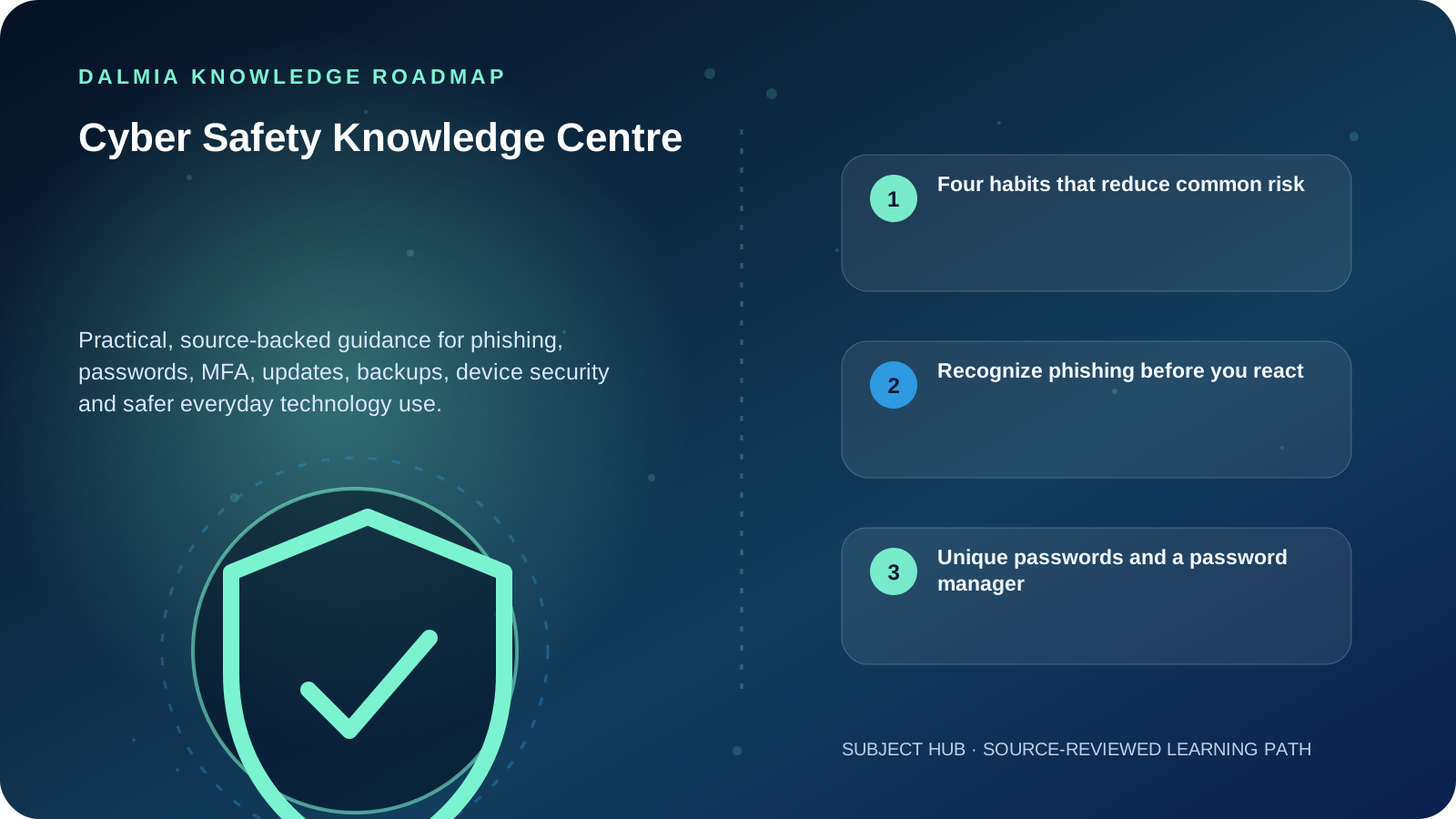
Start with four habits: recognize phishing, use unique strong passwords with a password manager, enable multifactor authentication and install trusted software updates. Add protected, tested backups and keep default device or router passwords changed.
Four habits that reduce common risk
Recognize phishing
Pause before opening unexpected links, attachments or requests for credentials and money.
ExploreUse a password manager
Create unique passwords instead of reusing one secret across accounts.
ExploreTurn on MFA
Add another verification factor wherever an account supports it.
ExploreInstall updates
Use trusted update channels so known software flaws receive fixes.
ExploreRecognize phishing before you react
Phishing tries to push a person into opening a harmful attachment, following a deceptive link or sharing sensitive information. Urgency, fear, unexpected payment requests and login prompts deserve verification through a known channel.
Do not use the phone number or link inside a suspicious message to verify it. Open the official app, type the known website yourself or contact the organization using a trusted number.
Unique passwords and a password manager
Password reuse turns one account breach into a risk for other accounts. A reputable password manager helps create and store unique passwords so people do not have to invent memorable variations.
Never share an OTP or recovery code because a caller claims to be support. Genuine support processes should not require you to reveal a one-time authentication secret.
MFA adds another proof of identity
Multifactor authentication requires another verification factor in addition to a password. Enable it on email, financial, social and business accounts whenever available. Prefer the strongest method supported by the service and protect recovery options as carefully as the main account.
Updates, backups and device basics
- Install operating-system, browser, application and device-firmware updates from trusted sources.
- Change default passwords on routers, CCTV recorders and connected devices.
- Maintain backups that are protected from the main device and test that important files can be restored.
- Keep supported security software active and investigate warnings rather than disabling protection permanently.
- If an account may be compromised, use the provider's official recovery path from a trusted device.
Sources and further reading
Technical statements were reviewed against these references. External pages may change after our review date.
- Cybersecurity basics — National Institute of Standards and Technology
- Secure Our World — Cybersecurity and Infrastructure Security Agency