
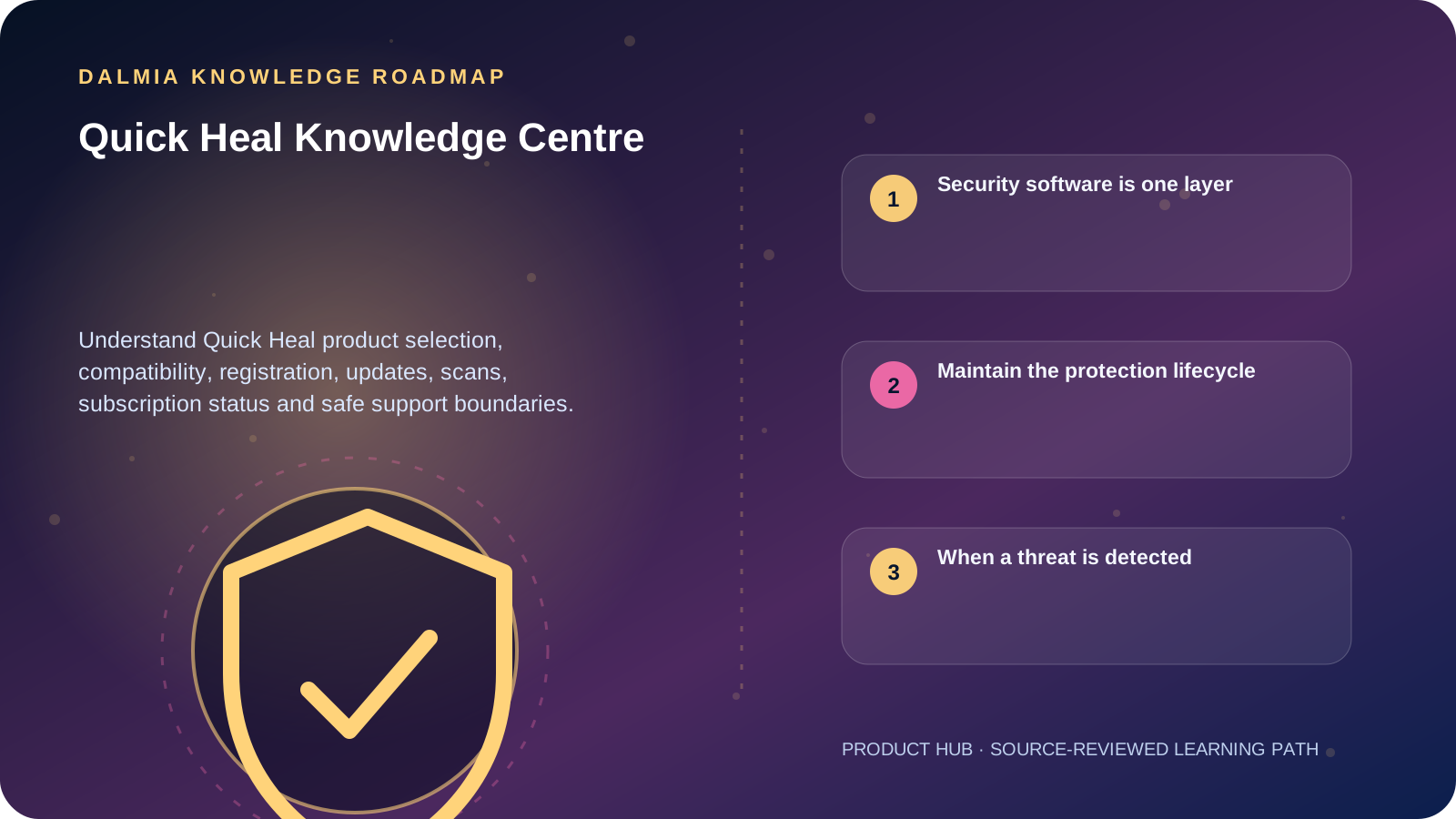
Quick Heal products must match the device, operating system, supported version and license scope. Install only from a trusted official source, remove conflicting real-time antivirus where official guidance requires it, activate without exposing the product key, keep software and definitions updated, and remember that antivirus does not replace operating-system updates, MFA or backups.
Security software is one layer
Endpoint security can scan files, monitor supported activity and receive threat or product updates, but it cannot make unsafe passwords, unpatched software, unrestricted administrator access or missing backups safe. Use it inside a broader security routine.
Features and system requirements differ by Quick Heal product, version and operating system. Use the current official manual and lifecycle page for the exact installed product instead of assuming every package has the same controls.
- Compatibility: operating system, processor architecture, free space and existing security software
- Identity: correct product key, device count and authorized account recovery
- Currency: supported product version, application updates and virus-definition status
- Operation: real-time protection state, scheduled or on-demand scans and reviewed alerts
- Recovery: independent backups and a documented response when infection is suspected
Maintain the protection lifecycle
Update and renewal checklist
Check version, definition status, subscription validity and official support before a protection gap appears.
ExploreQuick Scan vs Full Scan
Choose a scan by its documented scope, then review the report and unresolved actions.
ExploreCybersecurity basics
Add MFA, strong unique passwords, software updates, phishing awareness and backups.
ExploreQuick Heal support
Use the support route for activation, renewal and technical assistance that needs human confirmation.
ExploreWhen a threat is detected
- Record the product alert, file or process name, time and action taken without publishing sensitive data.
- Disconnect from risky networks when active compromise or data exfiltration is suspected.
- Do not repeatedly open the file, disable protection or delete evidence before deciding what must be preserved.
- Update the supported security product and run the appropriate official scan workflow.
- Escalate persistent detections, ransomware signs, credential theft or business-data impact to qualified support.
Sources and further reading
Technical statements were reviewed against these references. External pages may change after our review date.
- Quick Heal product manuals — Quick Heal
- Quick Heal Customer Support — Quick Heal
- Quick Heal Product Support Lifecycle — Quick Heal
- Cybersecurity basics — National Institute of Standards and Technology