
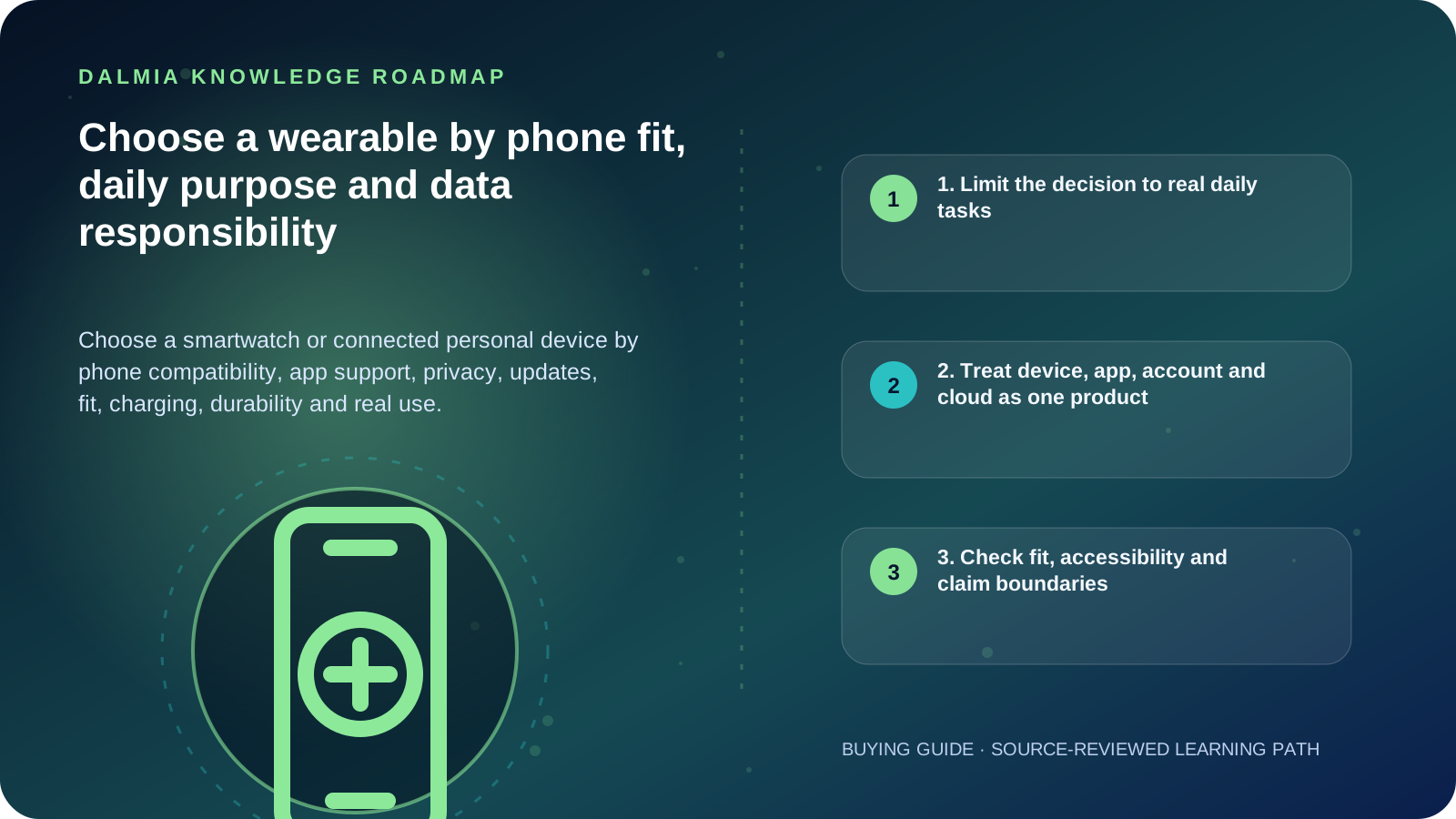
Start with the phone and the two or three functions you will use every day. Verify exact operating-system compatibility, required app/account, regional features, permissions, update and recovery path, data export/deletion, physical fit, display and controls, battery routine, charger, durability conditions and service. Treat consumer wellness readings as estimates within the manufacturer's stated intended use—not medical diagnosis.
1. Limit the decision to real daily tasks
Decide whether the device is mainly for time, notifications, calls, activity, navigation, accessibility, safety prompts or a specific sport. More sensors and applications can increase complexity, permissions, charging and support dependence without improving the tasks you actually use.
Write the phone model, operating-system version and required apps. If a feature depends on a paid service, cellular plan, region, phone brand or cloud account, record that dependency before comparing devices.
| Area | Verify | Why it matters |
|---|---|---|
| Compatibility | Exact phone OS/version, app and account | Pairing does not prove every feature works |
| Daily function | Two or three tasks used every day | Reduces unused permissions and complexity |
| Fit and access | Case, strap, controls, display, vibration and dominant hand | Comfort and readability determine sustained use |
| Power | Real routine, charger, port and replacement policy | Battery claims depend on enabled features and conditions |
| Support | Updates, reset, recovery, documentation and service route | The app/cloud lifecycle can outlast or disable the object |
| Data | Permissions, cloud, sharing, export and deletion | Wearables may collect sensitive location and wellness data |
2. Treat device, app, account and cloud as one product
NIST's consumer IoT profile covers the whole product, including device and relevant companion applications or backend services. Look for supported updates, secure configuration, access control, data protection and a way to receive security information.
Before purchase, review the privacy policy and permission prompts, whether MFA is available, how to reset and remove the device from an account, and what happens when support ends. Use a unique password and stronger authentication where supported.
- Install the companion app from the official store or manufacturer path
- Grant only permissions required for the features you choose
- Enable updates and review security/privacy settings after setup
- Remove accounts, data and pairing before resale, return or recycling
- Do not expose OTPs, recovery codes or health data in a public support form
3. Check fit, accessibility and claim boundaries
Try the case and strap size, control reach, text size, contrast, vibration, speaker/microphone and charging action. A device that is uncomfortable, unreadable or difficult to charge may not be useful even if its specification list is longer.
Activity and wellness sensors operate under model-specific conditions and intended uses. Do not infer medical accuracy, diagnosis or emergency reliability from the presence of a sensor or an application label. Check official regulatory and intended-use information for the exact feature.
4. Final wearable ownership checklist
- Record the exact phone, OS version and required companion app/account.
- Choose the daily functions and verify any region, brand or subscription dependency.
- Review update policy, reset, recovery, export/deletion and end-of-support information.
- Check permissions, cloud data, sharing, MFA and household/privacy impact.
- Try fit, controls, display, vibration, charging and accessibility features.
- Read the durability rating conditions and avoid unsupported water or impact claims.
- Confirm current price, warranty and service route for the exact model.
Sources and further reading
Technical statements were reviewed against these references. External pages may change after our review date.
- NIST IR 8425: Profile of the IoT Core Baseline for Consumer IoT Products — National Institute of Standards and Technology
- 7 Tips to Keep Your Smart Home Safer and More Private — National Institute of Standards and Technology
- Set Up Your Watch — Wear OS by Google Help