
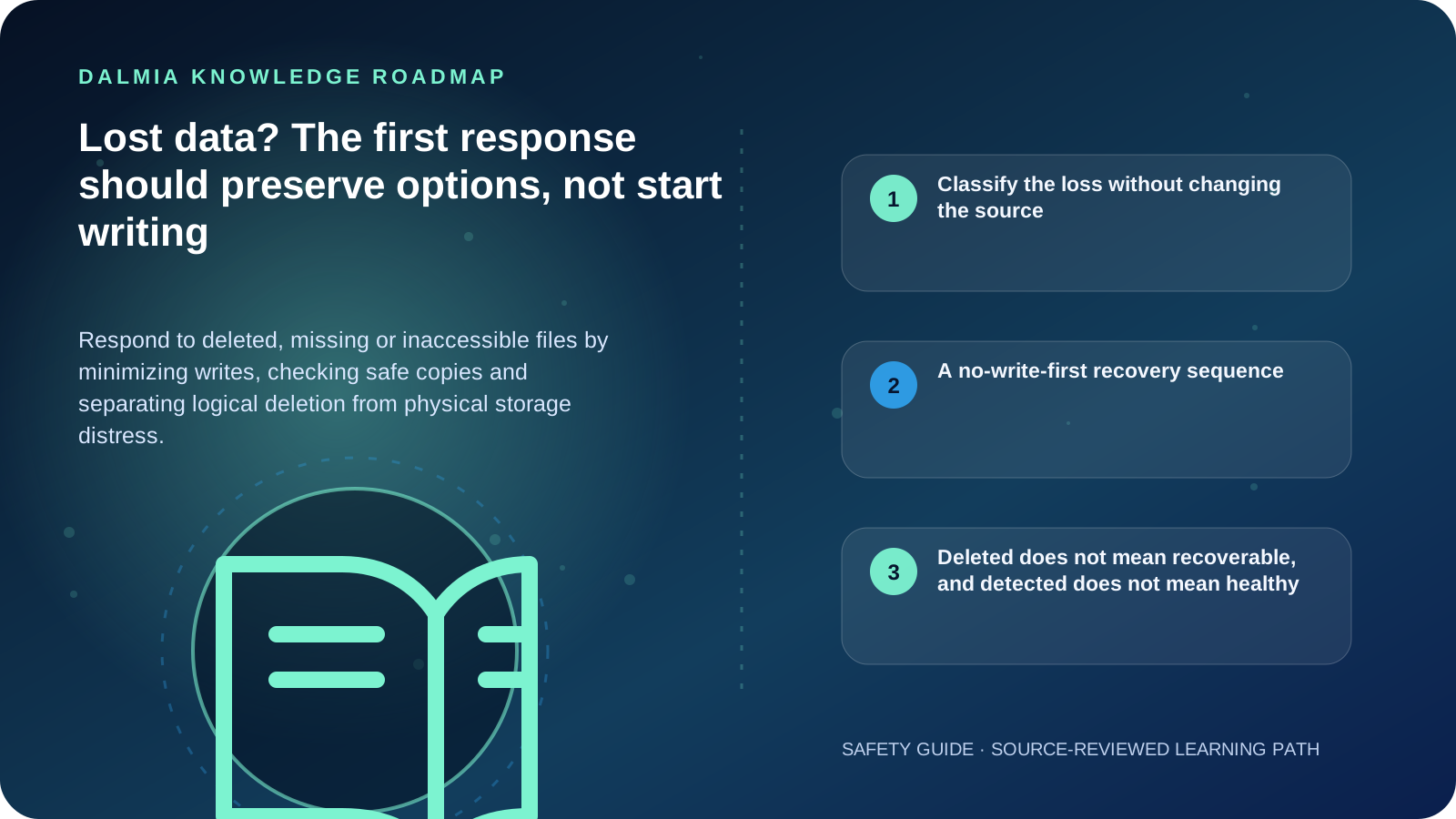
Stop creating, downloading, updating or installing files on the affected storage. Record what disappeared, when, from which device and what happened immediately before it. Check Recycle Bin, cloud version history and known backups without restoring over the source. If the device clicks, scrapes, disconnects, smells burnt, was dropped or has liquid damage, shut it down safely and do not power or open it again. Recovery is never guaranteed, and any recovered files should go to different storage.
Classify the loss without changing the source
| Scenario | Check safely | Avoid |
|---|---|---|
| File deleted recently | Recycle Bin, cloud version history and backup catalogue | Installing recovery software on the source drive |
| Folder missing after sync | Web/cloud recycle bin, account and sync status | Mass moves or sync resets before evidence is preserved |
| Drive asks to initialize or format | Disk status and whether data previously existed | Initialize, format, partition or operating-system reinstall |
| Drive clicks, scrapes or disconnects | Only record symptoms and device identity | Repeated power cycles, utilities or opening the drive |
| Possible malware or ransomware | Isolate safely, preserve alerts and contact the responsible security owner | Connecting writable backups or paying without incident guidance |
A no-write-first recovery sequence
- Stop normal use of the affected device and record the missing files, path, time, event, device model and recent actions.
- Determine whether the data may exist in Recycle Bin, a cloud version or a known backup; inspect without overwriting the source.
- If the storage is physically distressed, shut it down safely and escalate without another diagnostic or power cycle.
- For a stable local Windows device and a simple deletion, review Microsoft's current recovery scope before acting. Recovery on cloud storage and network shares uses different provider paths.
- Use a different healthy destination for recovered files. Microsoft explicitly requires Windows File Recovery source and destination drives to be different.
- Preserve the original media and recovered output until important files open correctly and their completeness is checked.
- After recovery, create a tested independent backup plan and document the failure cause; do not reuse suspect media for the only copy.
Deleted does not mean recoverable, and detected does not mean healthy
Microsoft notes that deleted-file space can be reused by new writes, which is why normal computer use can reduce recovery chances. Seagate separately warns against writing, formatting, partition changes or opening a distressed drive.
Recovery success depends on the failure type, overwrite, file system, encryption, device behavior and previous operations. Do not promise complete files, original names, folder structure, turnaround or confidentiality terms without a verified service assessment.
Sources and further reading
Technical statements were reviewed against these references. External pages may change after our review date.
- Windows File Recovery — Microsoft Support
- When Data Loss Occurs: Frequently Asked Questions — Seagate
- How to Protect the Data that is Stored on Your Devices — Cybersecurity and Infrastructure Security Agency