
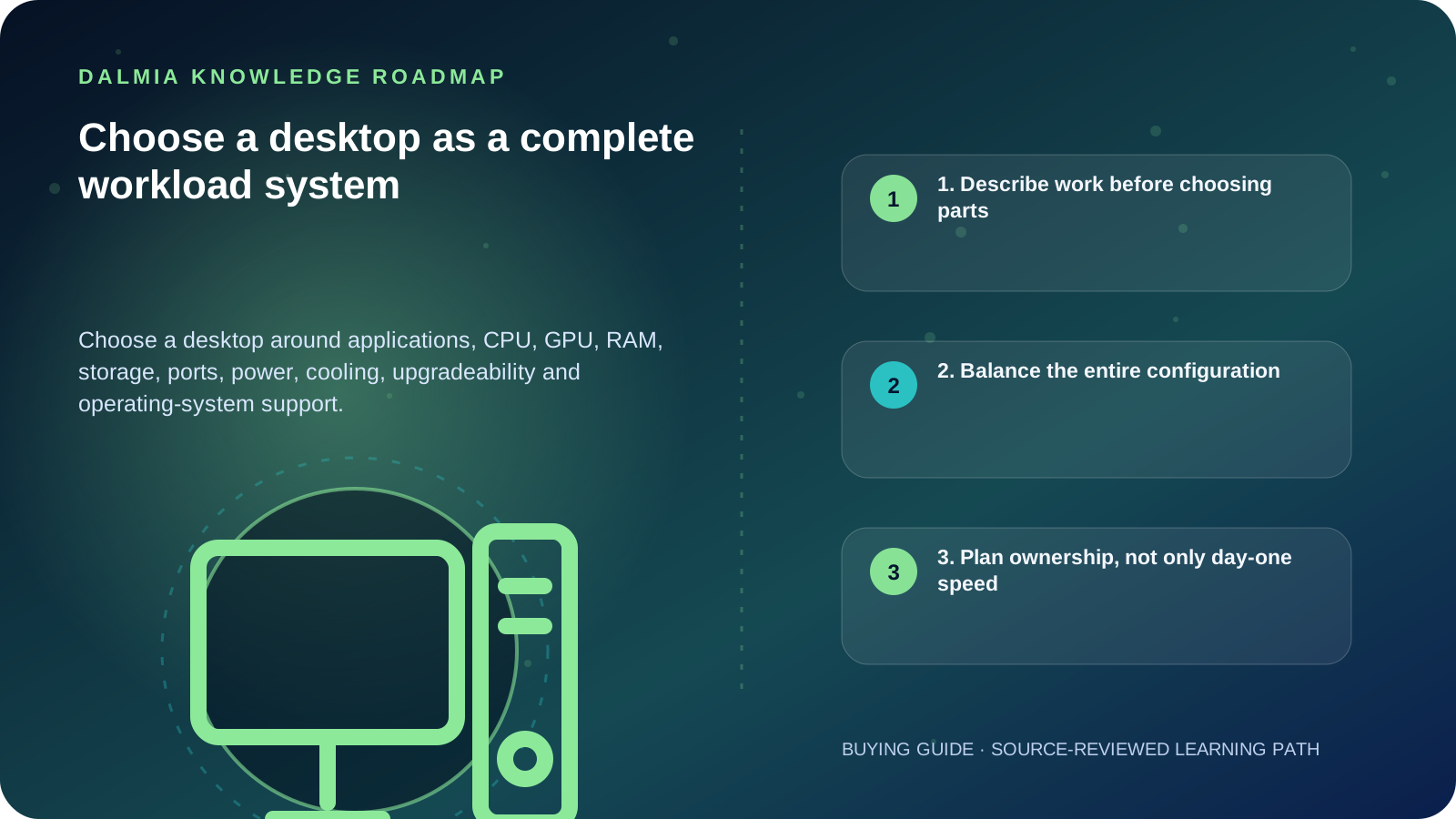
Start with the applications, file sizes, connected devices and expected years of use. Then balance processor, graphics, RAM, storage, motherboard, power supply, cooling, case, ports and operating-system support. Minimum system requirements only establish a baseline; they do not prove that a configuration is comfortable for your workload or compatible with every feature.
1. Describe work before choosing parts
List the named applications, number and resolution of displays, file sizes, peripherals, network needs and sustained tasks. Office documents, accounting, software development, video editing, CAD, scientific work and gaming place different demands on the system.
Check the official requirements of critical software and any plug-ins or peripherals. Use minimum requirements as an entry boundary, then allow realistic headroom for active work, updates and growth.
- Everyday and office: browser, documents, meetings, accounting and printing
- Development: compilers, containers, virtual machines and multiple displays
- Creative work: large media, colour workflow, fast storage and sustained processing
- CAD, 3D or specialist work: certified application, GPU and driver requirements
- Gaming: target games, resolution, frame-rate expectation, cooling and power
2. Balance the entire configuration
| Area | Verify | Common mistake |
|---|---|---|
| CPU and GPU | Application behavior, display load and sustained work | Buying the largest label without checking the real bottleneck |
| RAM | Capacity, generation, module layout and motherboard support | Assuming DDR generations are interchangeable |
| Storage | Working-set size, backup, interface and expansion | Using advertised capacity without space for updates or active files |
| Motherboard | Socket, chipset, firmware, slots, headers and I/O | Checking the processor socket but missing firmware or physical constraints |
| Power and cooling | Documented connectors, output, airflow and component dimensions | Treating wattage alone as proof of quality or fit |
| Operating system | Current support, security requirements and feature dependencies | Treating minimum requirements as a performance recommendation |
3. Plan ownership, not only day-one speed
A desktop can be easier to expand than many portable devices, but upgradeability is not automatic. Case size, motherboard slots, firmware support, power connectors, cooler clearance and warranty terms can limit a future change.
Include monitor, operating-system licensing, backup, surge or power protection, networking, peripherals, setup and data migration in the ownership plan. ENERGY STAR information can help compare energy-related behavior where a qualifying model is listed.
4. Final configuration checklist
- Record the exact CPU, GPU, motherboard, RAM modules, storage, power supply, case and operating system—not only the product series.
- Verify application, display, peripheral, network and security requirements.
- Check dimensions, slots, connectors, firmware and future expansion paths.
- Define backup, recovery, updates and data-transfer steps before migration.
- Request current stock, price, warranty route and included-accessory confirmation from the seller.
Sources and further reading
Technical statements were reviewed against these references. External pages may change after our review date.
- Windows 11 requirements — Microsoft Learn
- Computers — ENERGY STAR
- CPU vs. GPU: What's the Difference? — Intel