
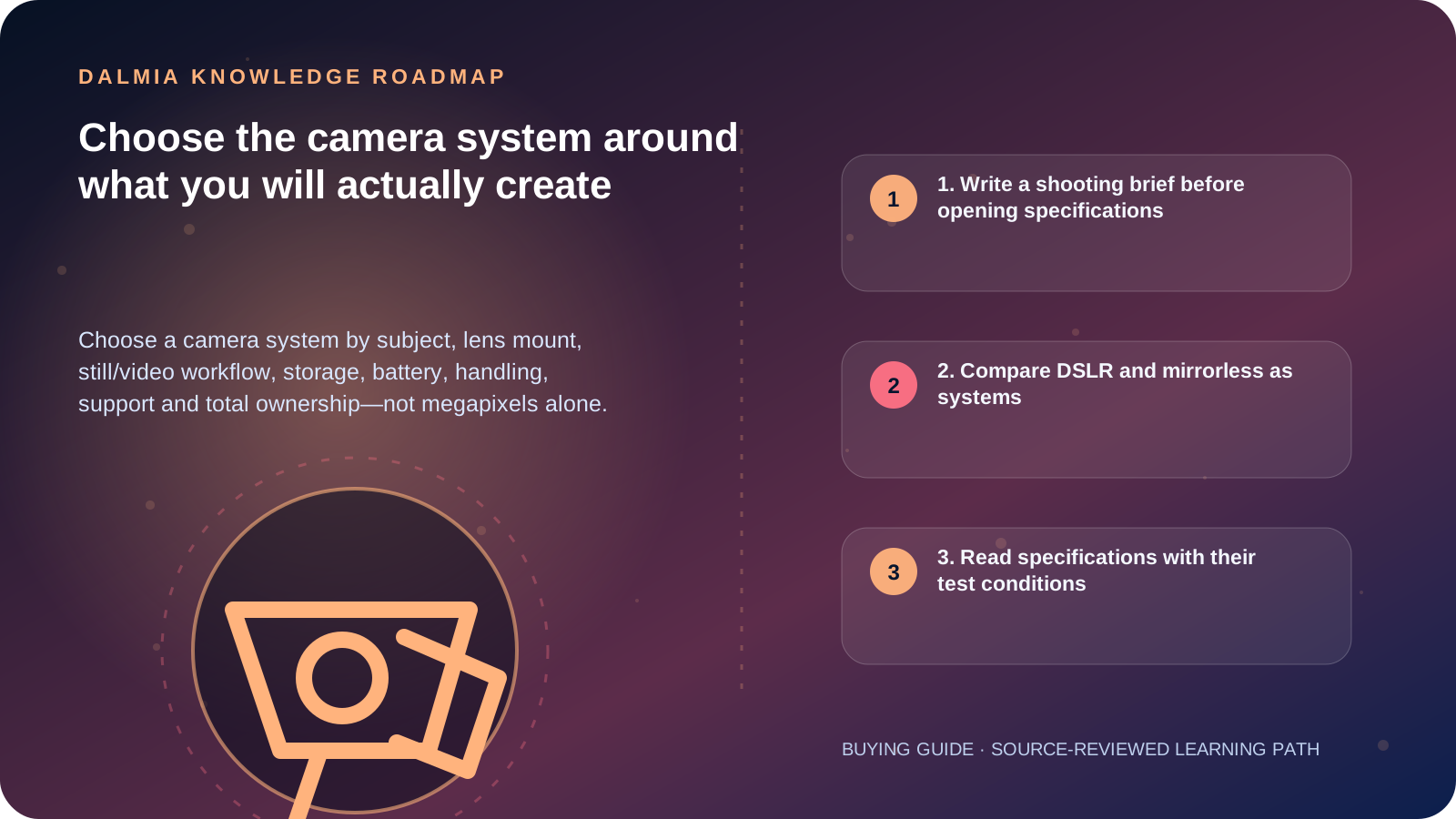
List the subjects, shooting conditions, required still and video output, existing lenses and editing workflow first. Then compare the complete body-and-lens system: mount, sensor format, autofocus for the subject, viewfinder/screen, recording modes and limits, audio, stabilization, storage, battery, ports, handling and support. Test the exact body with the intended lens; a megapixel count or DSLR/mirrorless label cannot prove fit.
1. Write a shooting brief before opening specifications
Name the main subjects and the conditions in which they move: family indoors, travel, landscape, product, wildlife, sport, event, teaching, interview or live stream. Record whether the final output is social video, long-form video, print, web, archive or client delivery.
Add the practical constraints: working distance, low light, weather, carry weight, one-person operation, recording duration, audio, available computer, storage and backup. These constraints often determine the lens, support and workflow before the body.
| Decision | Ask | What it affects |
|---|---|---|
| Subject | How large, distant, fast and predictable is it? | Lens range, autofocus, burst and handling |
| Output | Print, web, vertical video, long recording or live? | Resolution, aspect, codec, frame rate and ports |
| Environment | Indoor, outdoor, dust, rain, heat or low light? | Lens speed, sealing claim, lighting and protection |
| Operation | Handheld, tripod, gimbal or one-person presentation? | Weight, stabilization, screen and controls |
| Workflow | Which editor, computer, card reader and backup? | File format, bitrate, storage and processing |
| Existing kit | Which exact lenses, flashes, batteries and mounts? | Compatibility, adapter and migration cost |
2. Compare DSLR and mirrorless as systems
A DSLR uses a reflex mirror to direct the lens view to an optical viewfinder. A mirrorless design removes that reflex mirror and normally presents the sensor feed on an electronic viewfinder or rear display. This difference affects preview, body design, power use and handling, but generations and models vary.
The lens mount is a long-term decision. Check native lens availability, exact mount and sensor-format support, autofocus and stabilization behavior, adapter limitations, physical balance and serviceability. A lens that can physically attach through an adapter may not preserve every electronic or optical function.
- Verify the exact body, firmware, lens and adapter combination in official compatibility information
- Compare the body with the intended lens attached, including battery, card, microphone and support
- Check viewfinder and screen behavior for the actual subject, glasses and lighting
- Do not infer image quality from sensor size or megapixels without lens, processing and output context
3. Read specifications with their test conditions
CIPA guidance exists so common camera specifications can be described consistently. Confirm whether numbers are total or effective pixels, the focal length and equivalent field-of-view notation, measured stabilization method, dimensions, weight basis and battery test procedure.
For video, verify the exact resolution, frame rate, crop, codec, bit depth, recording duration, heat behavior, autofocus, audio input/monitoring and storage requirement for the mode. YouTube recommends keeping uploaded frame rate consistent with capture and provides platform-specific encoding guidance, but the recording and editing chain must support it first.
4. Final system and ownership checklist
- Record the exact body, lens mount, sensor format and intended first two lenses.
- Confirm subject-specific autofocus, viewfinder/screen and handling with the intended lens.
- Verify still and video modes, audio, ports, card type/speed, file size and editing support.
- Plan spare power using documented compatible batteries and chargers; reject damaged or suspect packs.
- Include bag, support, lighting, microphone, card reader, storage and backup in total cost.
- Confirm current stock, price, warranty and support route without assuming an authorization claim.
- Create a short test file, transfer it, edit it, export it and restore it from backup before important work.
Sources and further reading
Technical statements were reviewed against these references. External pages may change after our review date.
- CIPA Digital Camera Specification Guidelines and Update History — Camera & Imaging Products Association
- Mirrorless vs. DSLR Cameras: Exploring the Key Differences — Nikon USA
- Lithium-ion Battery Packs for Digital Cameras: Counterfeit Battery Safety Notice — Camera & Imaging Products Association
- YouTube Recommended Upload Encoding Settings — YouTube Help