
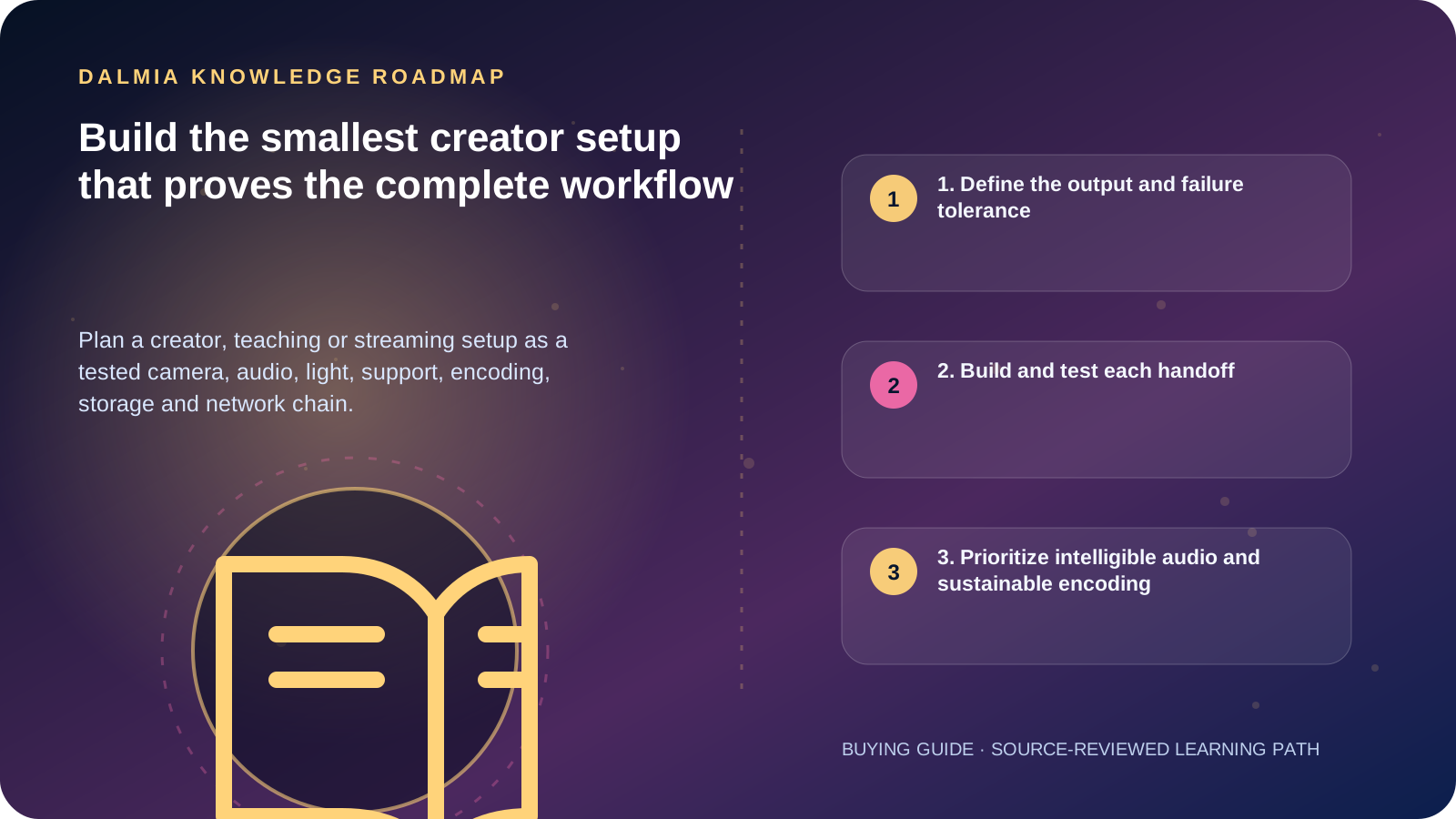
Choose the output platform and real production task first. Build a minimum viable chain using the camera or phone you already have, a stable support, intelligible close microphone placement, controllable light, reliable power/storage and a computer/network that can record or stream the required format. Run an end-to-end rehearsal before upgrading the weakest measured constraint.
1. Define the output and failure tolerance
A recorded tutorial, live class, interview, product video and game stream have different needs. Record the destination, aspect ratio, resolution, frame rate, duration, live interaction, number of people, mobility and whether a local archive is required.
If the event cannot be repeated, plan monitoring, backup power, spare storage and a fallback capture path. A feature list is not a continuity plan.
- Recorded or live; horizontal, vertical or both
- One speaker, interview, group, screen capture or moving subject
- Room noise, echo, daylight changes and power/network reliability
- Editing deadline, archive retention, privacy and consent
- Single-operator controls and accessibility requirements
2. Build and test each handoff
| Layer | Start with | Test |
|---|---|---|
| Camera/phone | Existing device and clean lens | Focus, exposure, framing, duration and heat |
| Microphone | Correct connector and close stable placement | Voice, room noise, clipping, sync and monitoring |
| Lighting | Controllable safe light and placement | Skin/product detail, flicker, heat and power |
| Support | Rated tripod, clamp or stand | Load, movement, cable pull and accidental contact |
| Computer/encoder | Supported input and current drivers | Sustained encode, dropped frames and local recording |
| Network/platform | Wired path where practical and upload margin | Private test, stream health, latency and viewer playback |
| Storage/backup | Known card/drive and enough free space | Transfer, file opening, backup and restore |
3. Prioritize intelligible audio and sustainable encoding
Shure recommends placing a microphone close to the sound source and mounting the camera or phone securely. Microphone type and room change the exact distance; record and listen from the intended position rather than buying from a connector label alone.
OBS documents hardware encoding as a way to move encoding work to a supported GPU encoder, but capability and quality vary by generation and driver. Verify the exact hardware and platform preset. YouTube publishes current upload and live encoder requirements; recheck them because platform rules can change.
4. Run a production rehearsal
- Assemble the setup in the real room with the real subject distance and background.
- Record or privately stream representative speech, movement, screen content and silence.
- Monitor from another device and network; inspect audio intelligibility, sync, focus and text readability.
- Check dropped frames, encoder load, upload stability, temperatures, power and remaining storage.
- Open the local archive, transfer it, edit/export a sample and verify the backup.
- Disconnect and reconnect everything once, documenting cable and setting ownership.
- Upgrade only the measured bottleneck and repeat the same test.
Sources and further reading
Technical statements were reviewed against these references. External pages may change after our review date.
- YouTube Recommended Upload Encoding Settings — YouTube Help
- YouTube Streaming Tips — YouTube Help
- Hardware Encoding — OBS Project
- Essential Tips for Live Streaming — Shure India