
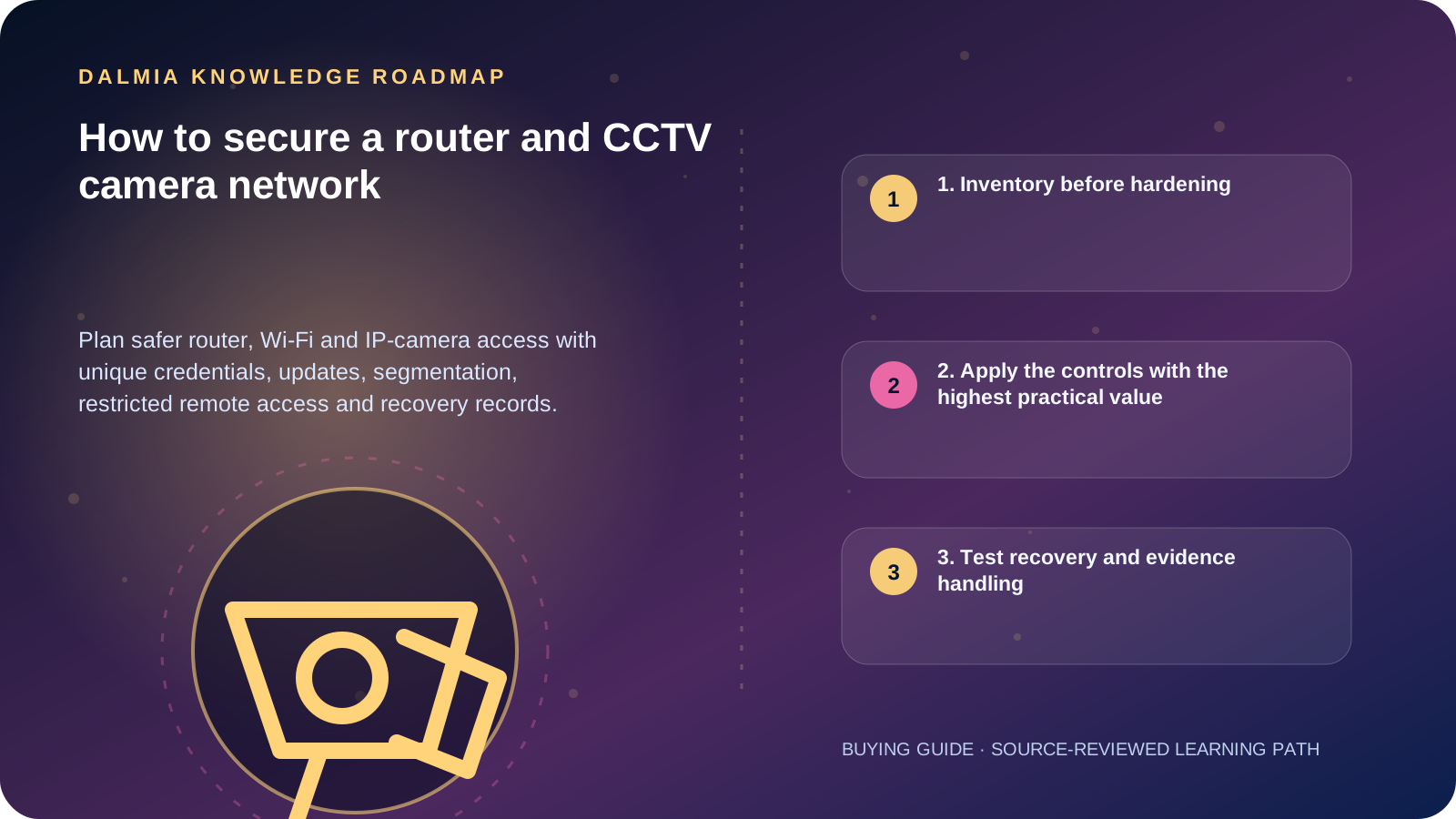
Change default credentials, apply supported firmware updates, disable services you do not need, restrict administration, use modern encrypted Wi-Fi, separate IoT devices where practical and avoid direct public-internet exposure. Remote access should be documented, least-privilege and recoverable.
1. Inventory before hardening
Record the router, access points, switches, recorder, cameras, mobile apps, cloud services and accounts that can administer or view the system. Note the exact model, firmware, owner, network address and support status.
Unknown devices and undocumented port forwarding create blind spots. Preserve a protected configuration backup and recovery path before changing network settings.
2. Apply the controls with the highest practical value
- Replace every default administrator credential with a unique strong password; use MFA where the supported service provides it.
- Install current manufacturer-supported firmware and remove equipment that no longer receives critical security fixes when risk warrants it.
- Use WPA2 or WPA3 as supported, a strong unique Wi-Fi passphrase and a separate management credential.
- Disable unused remote administration, UPnP, guest access, services and user accounts.
- Place cameras and other IoT equipment on a separate network or VLAN where practical, then allow only required communication.
- Prefer an access-controlled VPN or a manufacturer-documented secure remote method over direct port forwarding.
- Give viewers only the permissions they need, review access periodically and remove former users promptly.
- Monitor device time, failed logins, unexpected configuration changes and storage health.
3. Test recovery and evidence handling
Document how to restore the router and recorder, who can access backups, and how footage is exported without changing the original evidence. Test that required users can still reach live and recorded video after hardening.
Do not publish camera addresses, credentials, recovery codes or network diagrams. If compromise is suspected, preserve logs and obtain qualified support before factory-resetting devices that may contain useful evidence.
Sources and further reading
Technical statements were reviewed against these references. External pages may change after our review date.
- Using Wireless Technology Securely — Cybersecurity and Infrastructure Security Agency
- Securing Small-Business and Home IoT Devices — National Institute of Standards and Technology
- Profile S Deprecation Q&A — ONVIF