
 Amit Dalmia
The 30-second answer
- Power down safely if you notice liquid contact, burning smell, swollen battery, or clicking drive noise on your Laptop & Notebook.
- Note exact error codes, LED blink patterns, and recent power/update changes before resetting settings.
- Never run destructive disk format/chkdsk or unverified firmware flashes when business/personal data is unbacked up.
1. Safe checks before bringing your laptop & notebook in
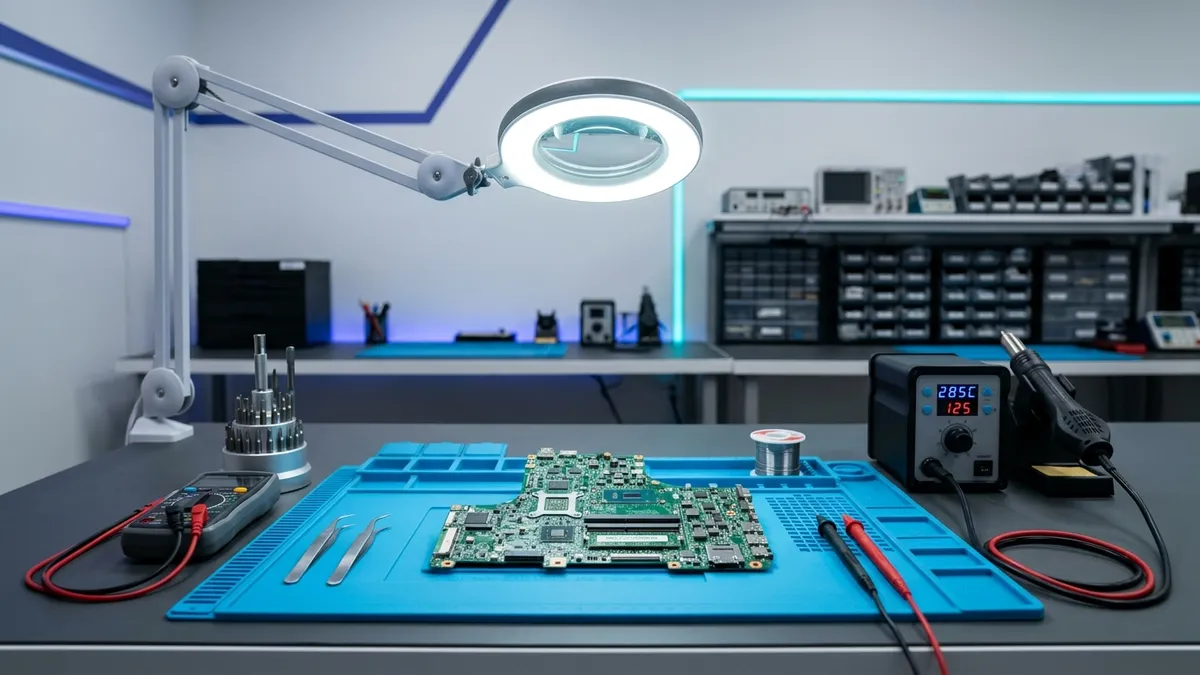
Before opening any casing or installing unknown utility tools on your laptop & notebook, walk through these safe external checks at home or office. Stopping early when you smell heat, hear drive clicking or notice liquid ingress protects board tracks and stored files from secondary damage.
- Power down safely if you notice liquid contact, burning smell, swollen battery, or clicking drive noise on your Laptop & Notebook.
- Note exact error codes, LED blink patterns, and recent power/update changes before resetting settings.
- Never run destructive disk format/chkdsk or unverified firmware flashes when business/personal data is unbacked up.
2. What our Purulia Care Lab does
All repairs at Dalmia Computers (Bikash Bhawan, Near ICICI Bank, Ranchi Road, Purulia – 723101) are carry-in only — we never send technicians for home visits because controlled anti-static bench testing, regulated DC power supplies and proper optical magnification stay inside the lab. Diagnosis and your written estimate on receipt/WhatsApp and phone (+91 81452 90001) are free, and paid work starts only after your explicit approval.
- 100% Carry-In Showroom Service at Bikash Bhawan, Ranchi Road, Purulia with serial/condition & accessory custody logging
- Bench Diagnostic Policy: Transparent ₹200 bench diagnostic fee — 100% waived/adjusted when you approve the repair with Dalmia Computers
- Repair Warranty Scope: Separate Dalmia service warranty applies strictly to the specific part/work repaired; OEM warranty remains distinct
- OTP-verified customer handover upon QC pass at our Purulia showroom
3. What to bring to Bikash Bhawan, Ranchi Road
Bring the laptop & notebook along with its power adapter or cable if the symptom involves charging, power-on or intermittent shutdowns, plus your GST invoice if the unit may still be covered under manufacturer warranty. At drop-off you receive a printed/WhatsApp jobsheet with condition photos, and on completion your cleaned, tested unit returns against OTP verification with repair warranty written per replacement part.
Related Care Lab symptom guides
- Broken Laptop Hinge, Top-Cover & Bezel Stress Repair
- Laptop Keyboard Non-Working Keys & Palmrest Replacement
- Water / Tea Spill on Laptop — Immediate Power-Off & Ultrasonic Care
- Dead / No-Power Laptop & Motherboard Power-Rail Diagnosis
Questions
Is my data wiped during inspection?
No — our technicians never format storage without your approval. Please back up critical files beforehand when possible.
What if my device is still under brand warranty?
Use the brand's official warranty route first with your GST bill so factory coverage stays intact.